Search Tips
Lighting USD Scenes
When creating and using USD lights in Katana, you have two main workflow options:
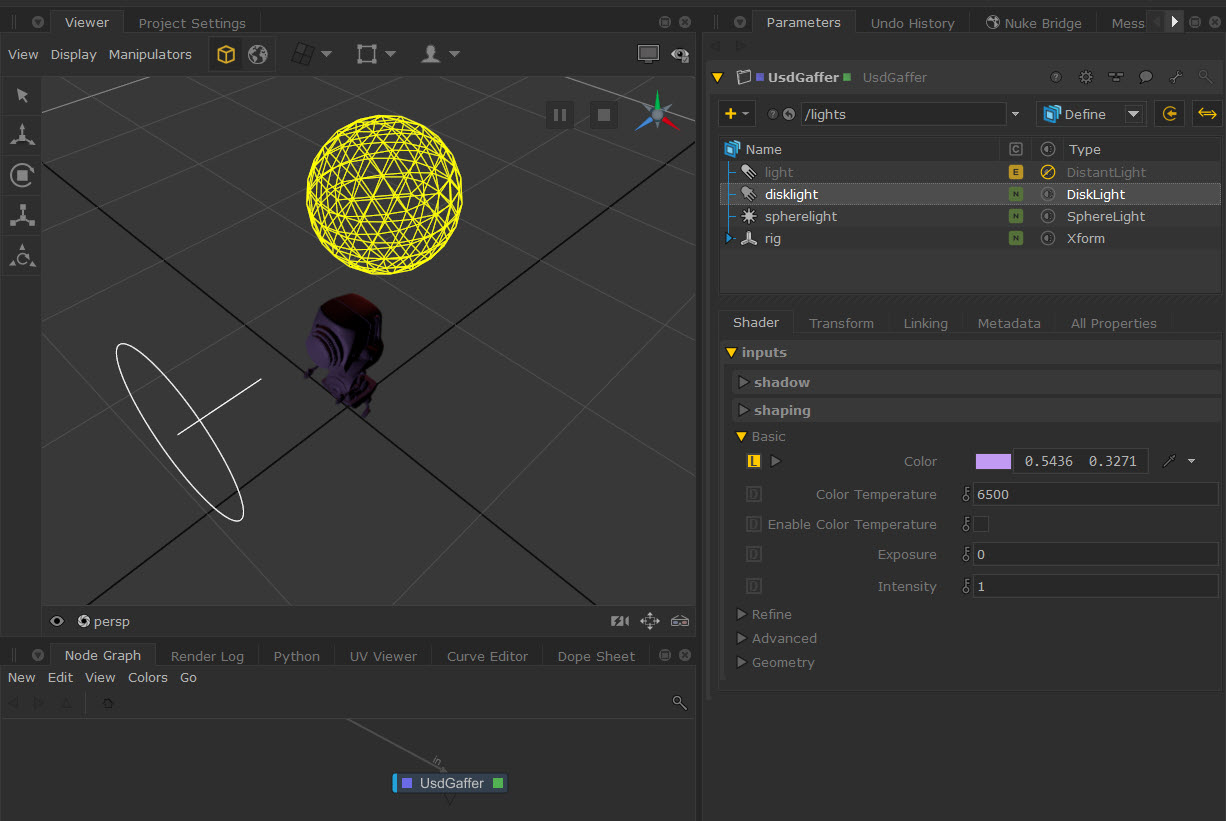
• UsdGaffer node enables you to create multiple lights on a single USD layer. For larger scenes, this not only helps with performance, but with scene management as you can view and edit parameters in one place.
Learn about the workflow at Using UsdGaffer.
Tip: This node is powered by the same technology as the UsdSuperLayer. Learn more about this at UsdSuperLayer Framework.
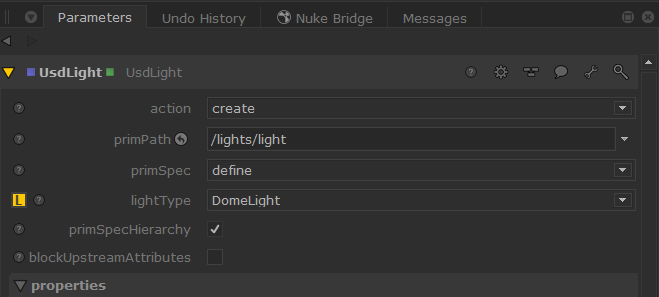
• UsdLight enables you to create single USD lights in your stage which can be helpful for smaller scenes.
Learn about the workflow at Using UsdLight.