Search Tips
Creating masks from colors
Mari’s color mask workflow enables you to create masks from a specific color (or colors) in your image. There are two nodes that provide pro
These nodes can be used on your baked ID maps, painted color blocks and layered textures.
Creating a mask from a color
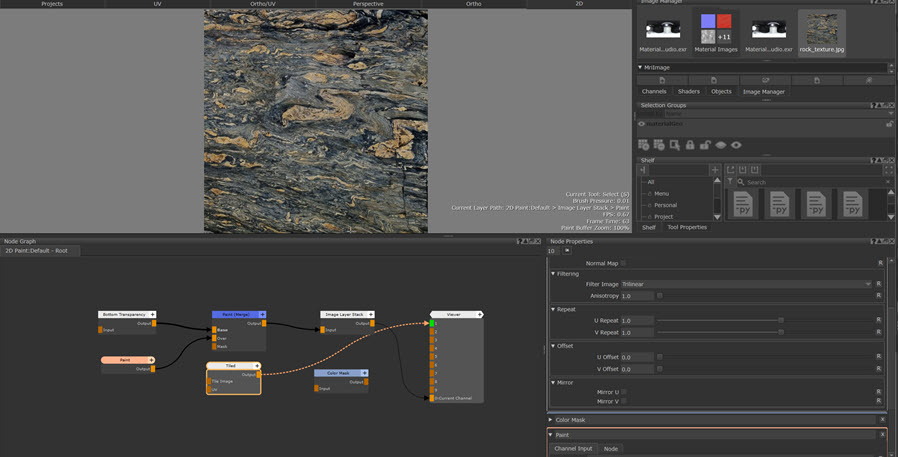
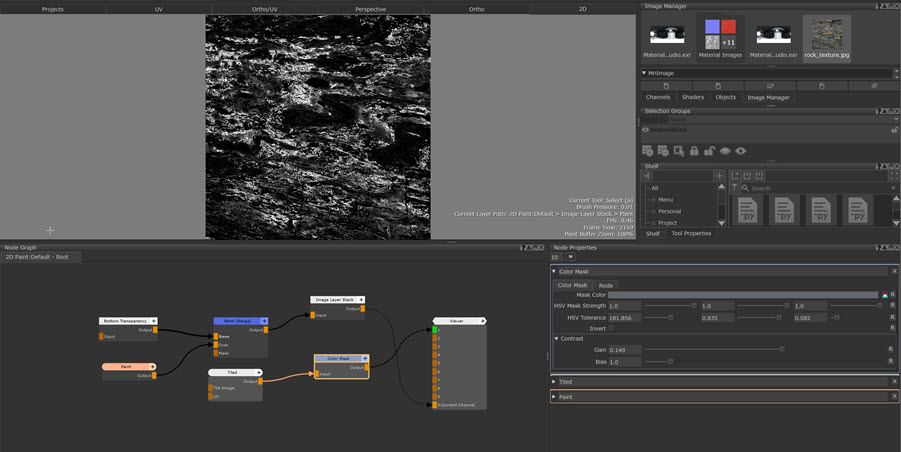
In this example we want to create a mask from this image by isolating a specific color, that we can then use to define the pattern of our mask. To do this, we can first create a Color Mask node.
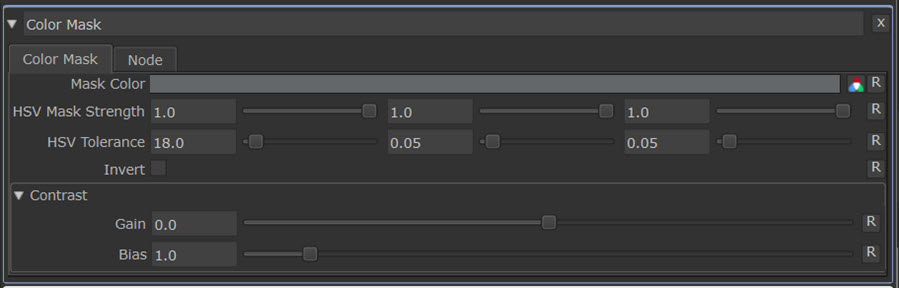
Within the Color Mask node properties, we can define the Mask Color. We are going to use the color picker option here to select a specific color in the image. In this example we’re using a mid-tone gray color because we want our mask to give a scattered effect.
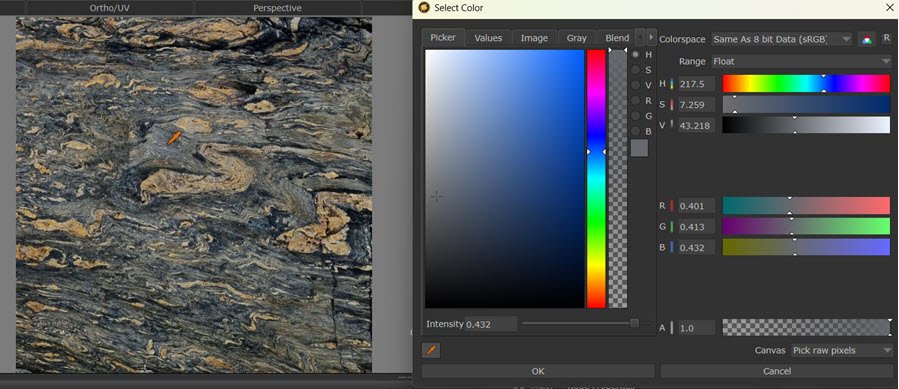
Now that the mask color has been updated, we can plug the Color Mask node into the image, so we can see the result of the mask.
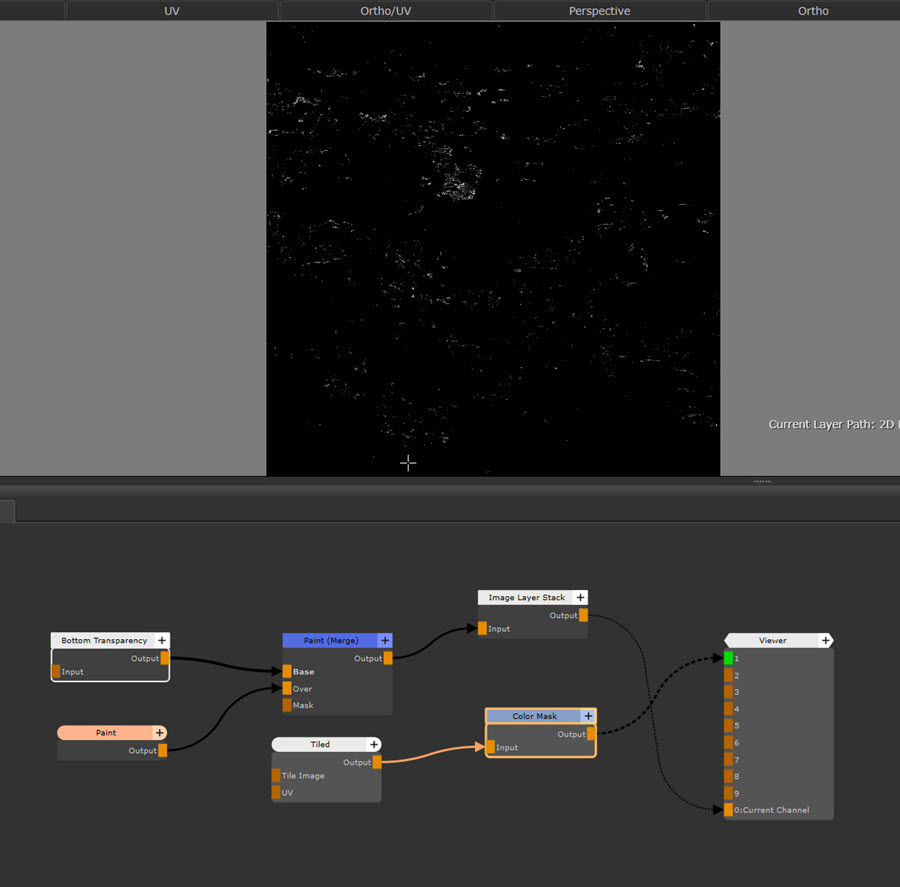
From here, we can tweak the Color Mask properties.
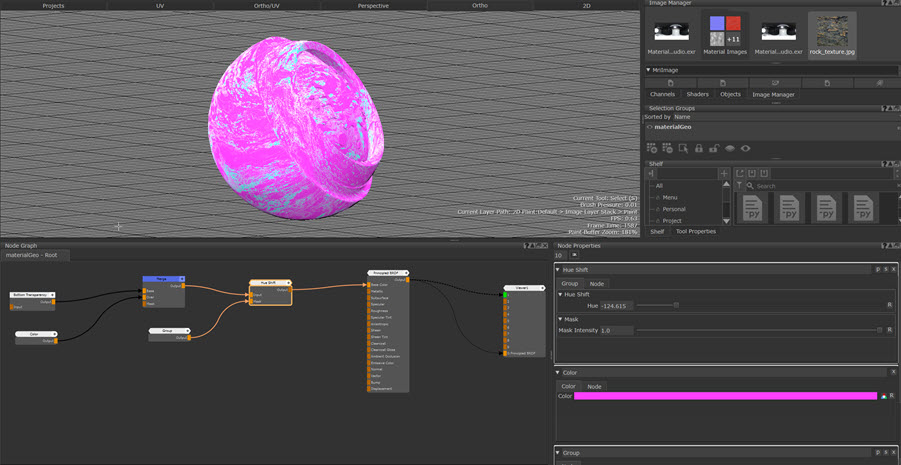
Next we are going to group up this node set and use it as a mask for our model. Because we have grouped it, it could also be exported for reuse in other projects.
Creating a mask color ID masks using the Multi Color Mask node
You can use the Multi Color Mask node to create bespoke masks from color ID masks.
For example, if there was an effect we wanted on three different selection groups, we can make ID masks out of those groups so they are assigned a color (for more information on how to do this, go to Creating ID Masks from Selection Groups).
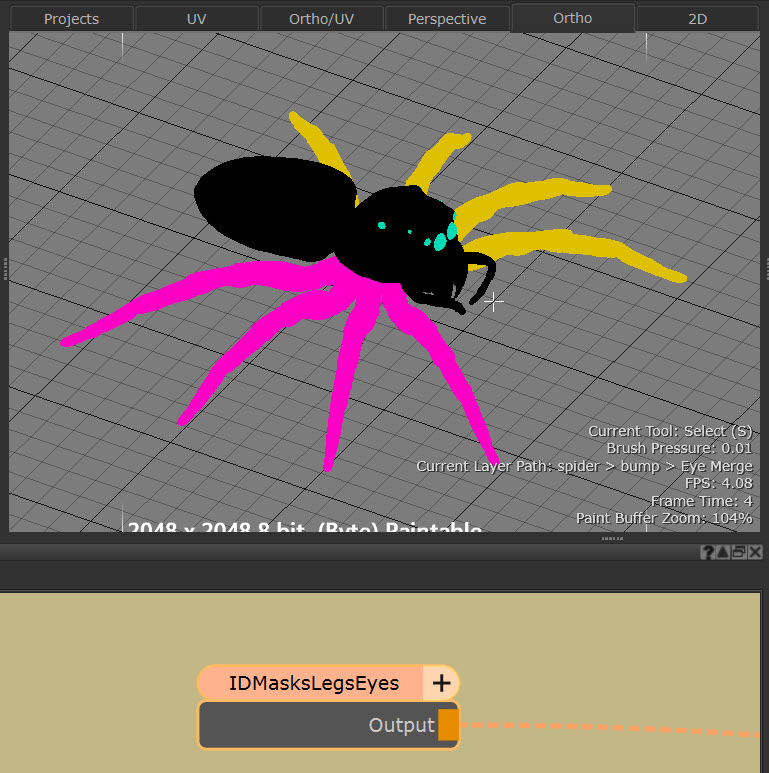
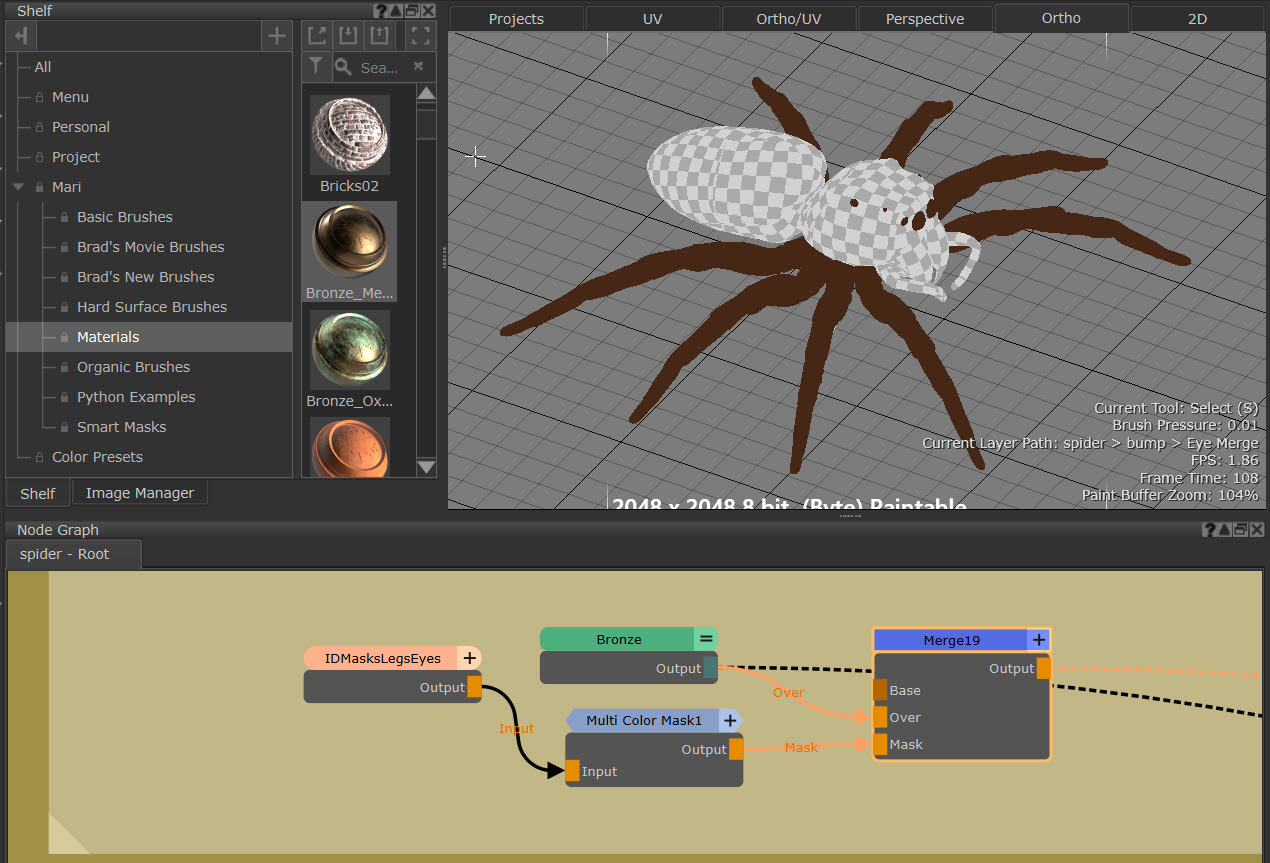
Next we can create a Multi Color Mask node, and add three color masks to it. Double-click on the Mask Color property to open up the Select Color palette, and use the color picker to assign each of the ID Mask colors to a color mask.
Note: In the Select Color palette, ensure you have the Canvas property to Pick Raw Pixels, so that the mask color is set by the raw color data.
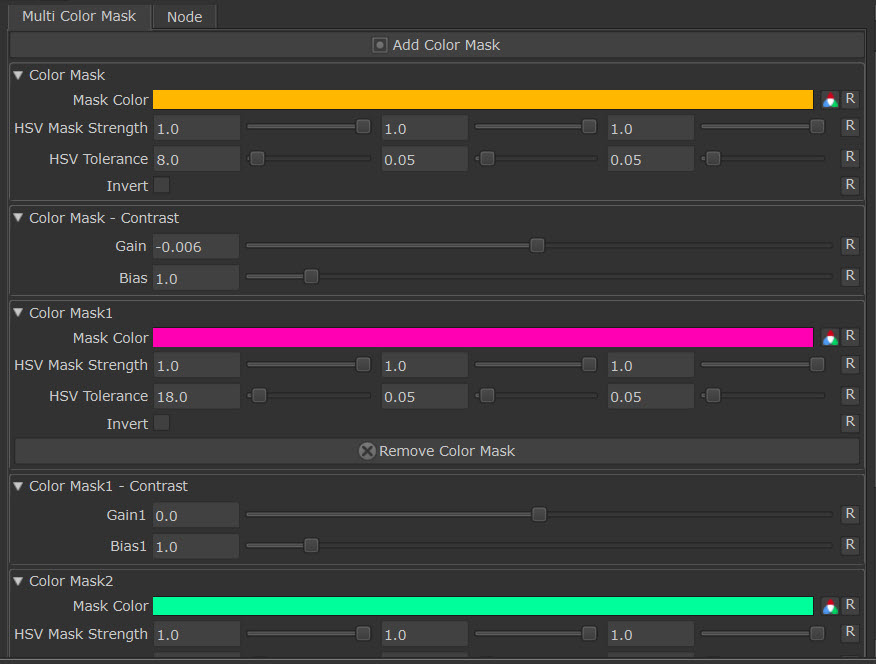
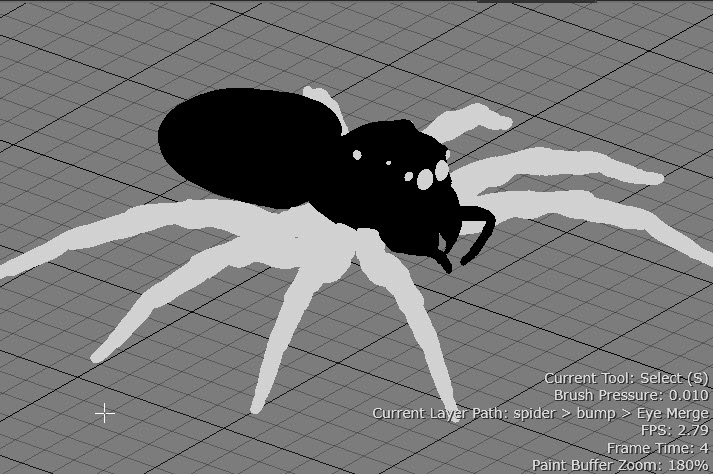
You can now use this Multi Color Mask node in the rest of your project, and it will treat the three colors as a single mask.
For more information go to Color Mask node and Multi Color Mask node pages.