Search Tips
Customizing your splash screen
Mari 8 comes with an alternative splash screen for those who would like to change the image from the spider model.
| 1. | In your file browser, go into the Mari program folder and navigate to Media > Logos. |
| 2. | Locate the file mari_splashscreen_alt.png. |
| 3. | Rename this file so it is called mari_splashscreen.png. You can delete or rename the original spider splash screen image. |
The next time you open Mari, the splash screen will be the alternative image.
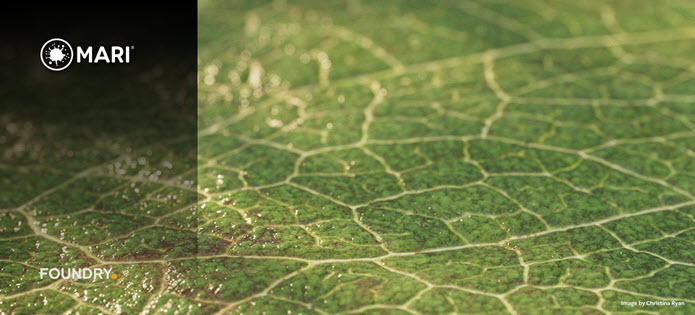
The alternative Mari 8.0 splash screen image.