Featured
Tip: Mari Tips #0826 Use the Switch node to create multiple variations of your node graph and quickly change between them to view different options. See more at Variations with the Switch node. (All Mari Tips)
Course

The Mari curriculum is designed to guide users through the fundamentals of texturing in Mari and include weekly lessons and instructional videos.
User Guide
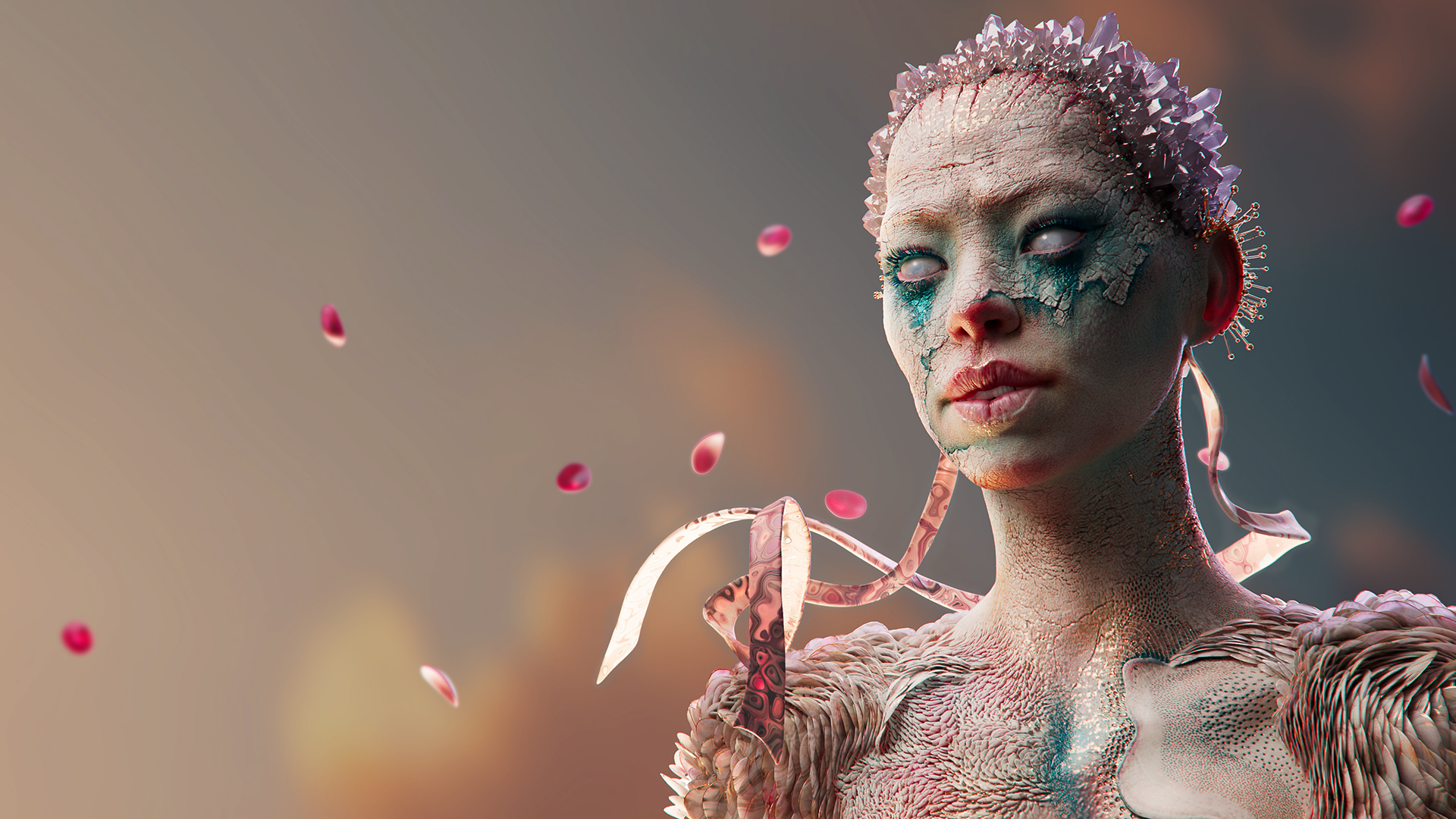
Experiment painting into multiple streams simultaneously with Mari's new Multi-Paint tool.
User Guide
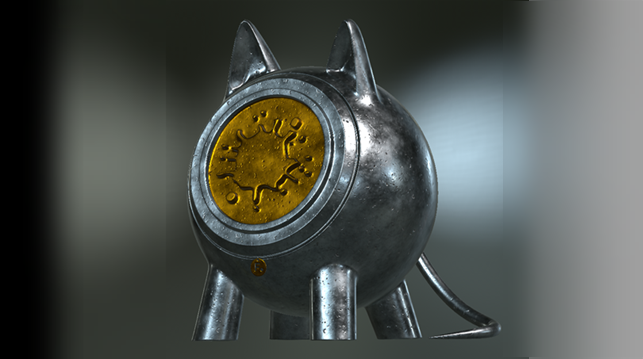
Texture Transfer in the Bakery
Mari's new Texture Transfer system greatly improves the speed of texture transfers between objects by using the power of the Bakery engine.
Tutorials

Take a gradual introduction to Mari with three videos of increasing depth.
Tutorials

Take advantage of our new team licensing tools to make license deployment quick and easy.
Resources
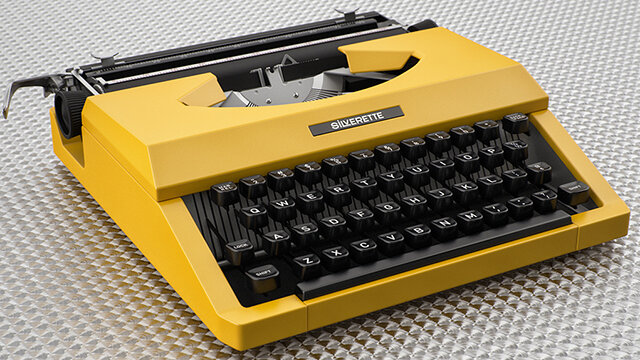
A reference guide to the keyboard shortcuts for common tasks, broken down into UI categories.