Search Tips
Quickstart Guide: Installing Nuke Stage
| 1. | Firstly, to install Nuke Stage on Windows, click the Nuke Stage version from the downloads page. This will take you to the online EULA agreement. Click I Agree to begin the product download. |
| 2. | This will download a zip folder named NukeStage-[VERSION NUMBER]-win-x85-64. Unzip the folder and run the *.msi installer file. Follow the steps of the installer, including choosing download location, and click install. |
Note: If you are installing Nuke Stage on multiple machines, make sure the install location has the same file path on each machine. Mismatched install locations can cause issues with shared content.
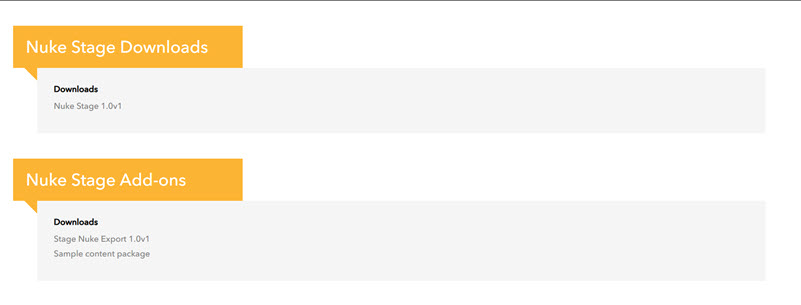
You can also download the files under the Nuke Stage Add-ons tab.
| 3. | If you want to export a USD project from Nuke to use in Nuke Stage, download Stage Nuke Export 1.0v3. This is a .nk file that contains the StageUSDExport Node. You can then open this group node in Nuke via File > Import Comp Nodes… to export your project for Nuke Stage. |
| 4. | You can also download our sample projects which you can use to play around with Nuke Stage. |
Now you've successfully installed Nuke Stage, next up is the Quickstart Guide: Nuke Stage UI Tour.