Search Tips
Notifications Panel
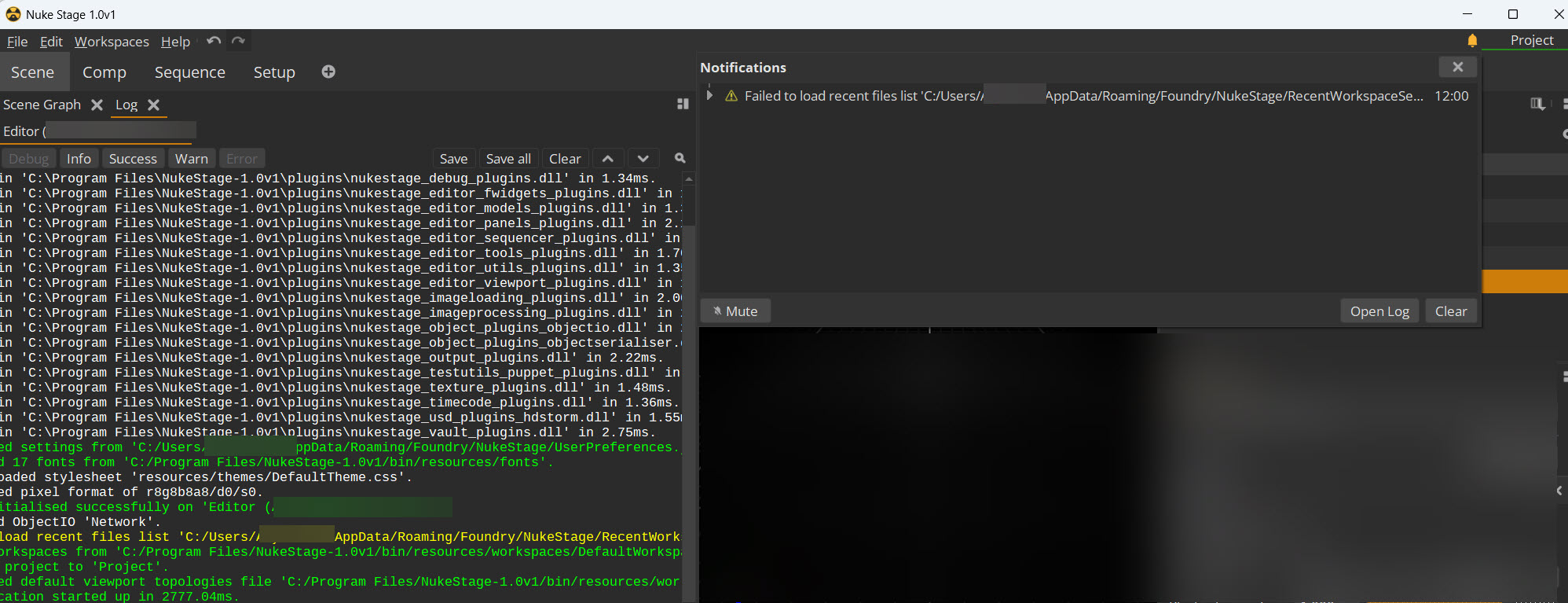
The Notifications panel displays critical problems and important information that might affect the project.
To access the Notifications panel, click the bell icon at the top right corner of the Nuke Stage Editor.
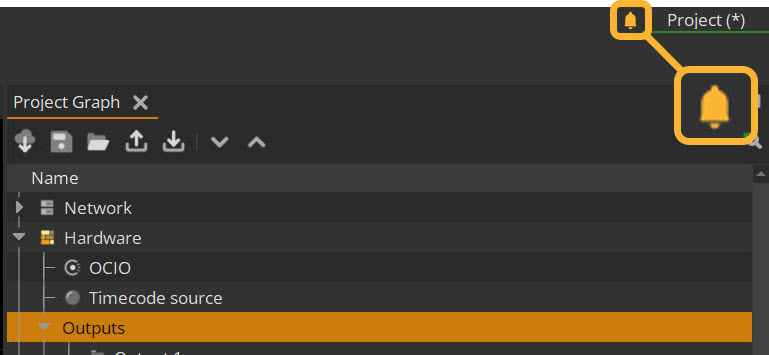
This will open the Notifications panel. This panel displays important issues and changes in the project, including many that may require action. You can view the list of notifications for your project, which will be either Successes, Errors, and Warnings.
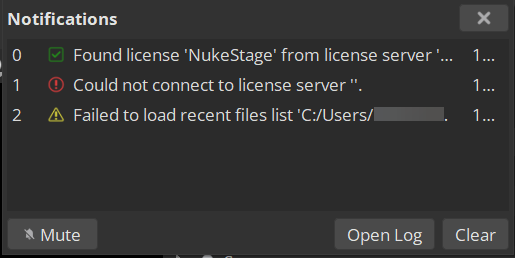
Double-click on a specific notification to see its details listed below.

For further information on the notifications, click the Open Log button, which creates a log panel that has more in-depth information.