 icon and selecting Window > Metadata.
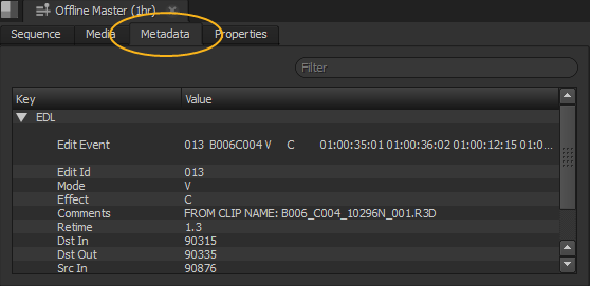
Metadata is information that describes media content, separate from the clip itself, in the form of a table on the Metadata tab. Types of metadata include Duration, File Size, and the Path to the location of the source media.
To view metadata for a source clip, right-click the clip and select Open In > Metadata View, or press Alt+D.
To view metadata for a shot, select the Metadata tab in the timeline panel and click on the item to examine.
TIP: You may have to add the Metadata tab manually by clicking the icon and selecting Window > Metadata.
|
|
 Topics In This Section