Reviewing 360 Footage
C_SphericalTransform is invaluable for reviewing 360 material without the use of a headset. Setting the output to Rectilinear allows you to pan around the scene to get a feel for how the final render might look.
|
1.
|
Add a C_SphericalTransform downstream of your stitch. |
|
2.
|
Navigate to the Output tab in the Properties panel. |
|
3.
|
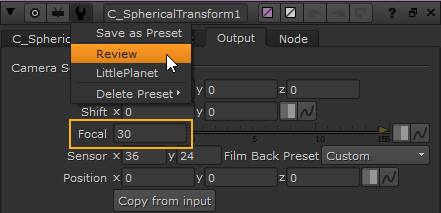
Set the Focal control in the range 15-50 mm or use the Review preset that is included with the node. |
|
4.
|
Switch to the C_SphericalTransform tab, click the Rotation dropdown, and then select Look. |
|
5.
|
Use the directionInput Viewer widget to pan around the scene. |
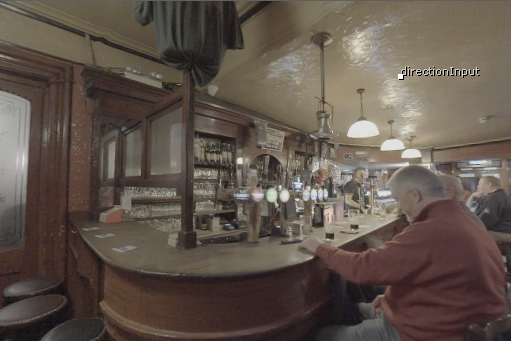
Tip: If you disconnect the C_SphericalTransform from the node tree and rename it to VIEWER_INPUT using the Properties panel, you can toggle the rectilinear projection on and off using the IP button (or Alt+P keyboard shortcut) above the Viewer.
If you leave the C_SphericalTransform Properties panel open, you can pan around in the lat-long projection as well.
 Search Tips