Search Tips
Assigning Materials and Shaders
Working with materials and shaders is mostly consistent with the classic 3D system. If you want to attach a texture such as Checkerboard or ColorBars to a piece of geometry then there are two main workflows.
• The first being with a Nuke geometry node like GeoCard, where you take the mat input and connect this to any texture you want.
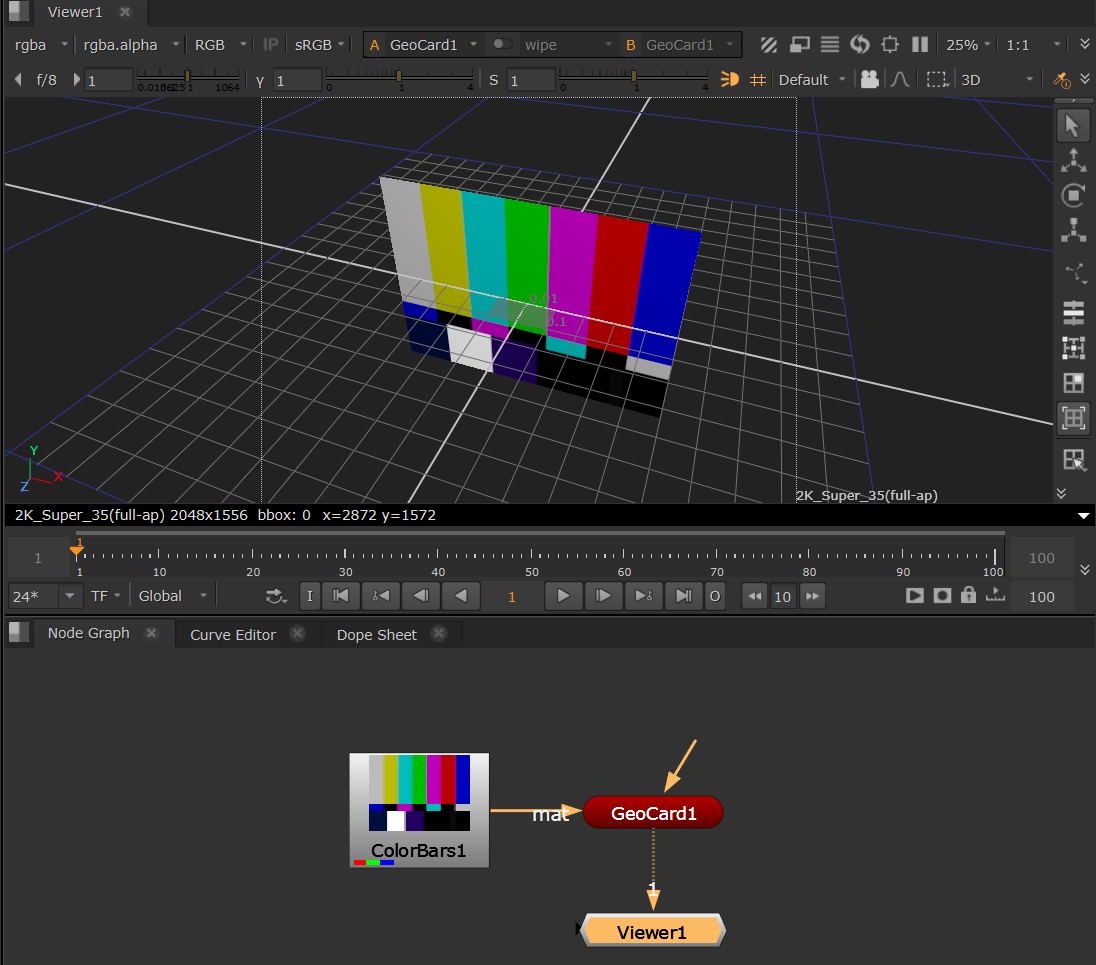
• The second workflow is for geometry that you may have imported or referenced using the GeoImport or GeoReference node. As these nodes don’t have a mat input you can use the GeoBindMaterial node, which is the new 3D system alternative to ApplyMaterial.
See the following pages:
Using GeoBindMaterial to Assign Materials - how to bind materials to geometry.
Shading Geometry - how to use the nodes in the Shader menu to control what your objects seem to be made of.