Search Tips
Inputs
O_DepthToDisparity has the following inputs:
|
Camera |
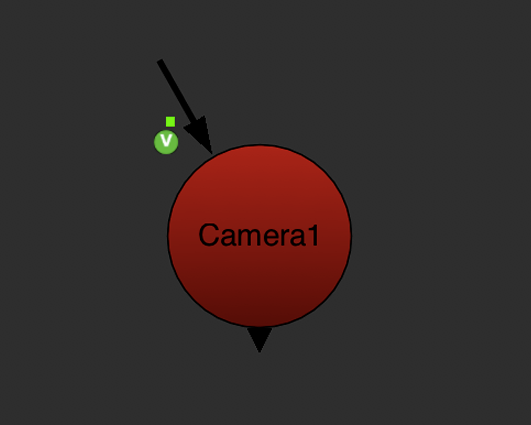
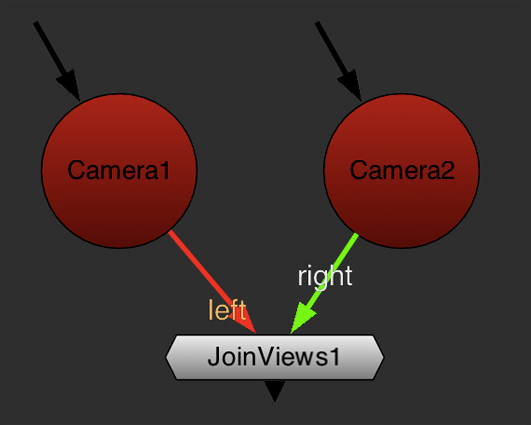
A Nuke stereo Camera node. This is the camera the scene was rendered with. In most cases, you would import this into Nuke from a third-party 3D application. For information on how to do this, see the Nuke User Guide. In Nuke, a stereo camera can be either: • a single Camera node in which some or all of the controls are split, or • two Camera nodes (one for each view) followed by a JoinViews node (Views > JoinViews). The JoinViews node combines the two cameras into a single output.
|
||||
|
Depth |
This is a stereo pair of images (usually, a scene you’ve rendered from a 3D application). In the depth channel, there should be a z-depth map for each view. Note: If this input is an .exr file, the z-depth map may already be embedded in the clip. If you’re using another file format and have saved the depth map as a separate image, you can use a Nuke Shuffle node (Channel > Shuffle) to get the z-depth map in the depth channel of the Depth image. For information on how to do this, see the Nuke User Guide. |
To see a table listing the nodes or channels each Ocula node requires in its inputs, see Node Dependencies.