Search Tips
Launching Usdview in Katana
To view a visual representation of USD, usdview can now be launched from Katana via the Shelf Actions menu: 
There are two options in the menu: Load USD Stage in usdview and Load usd file in usdview…
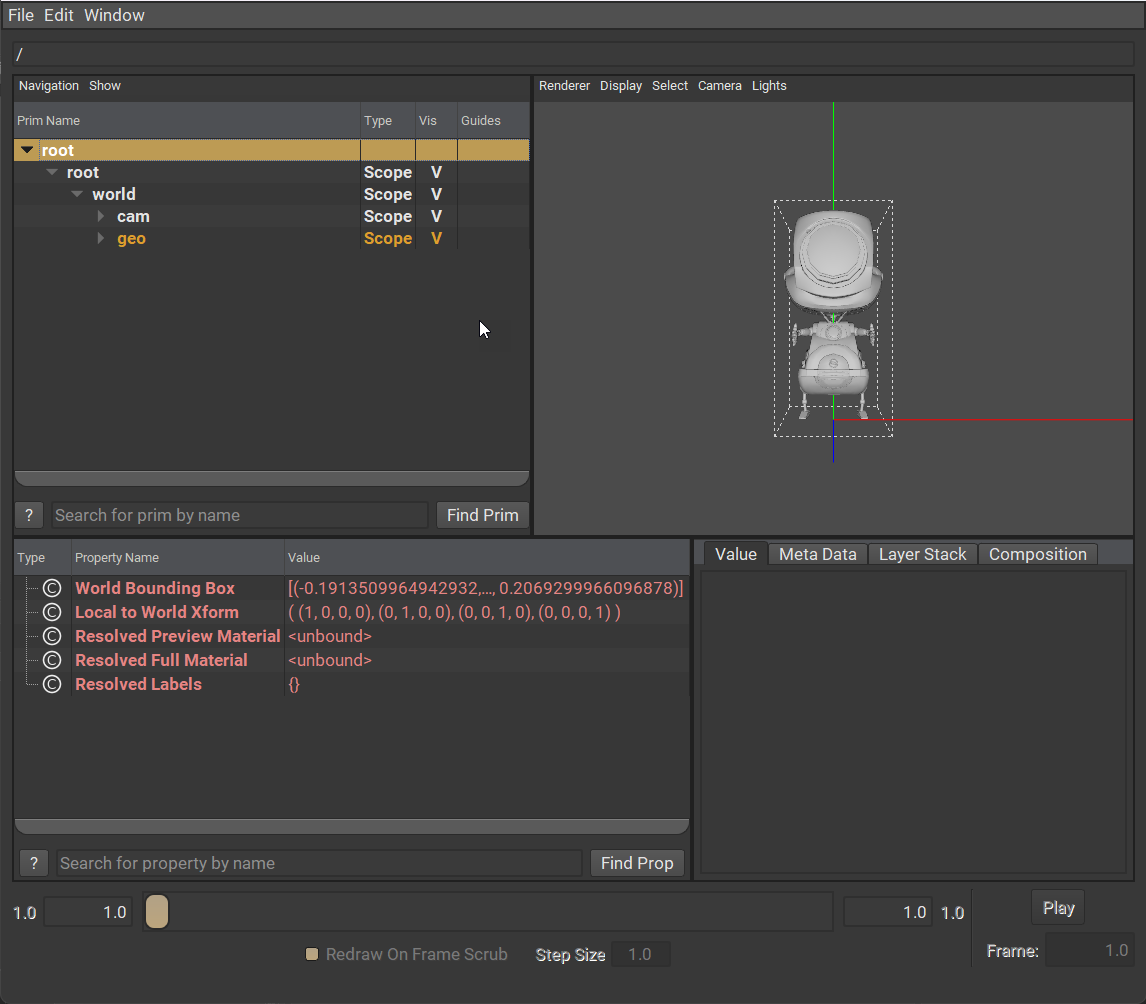
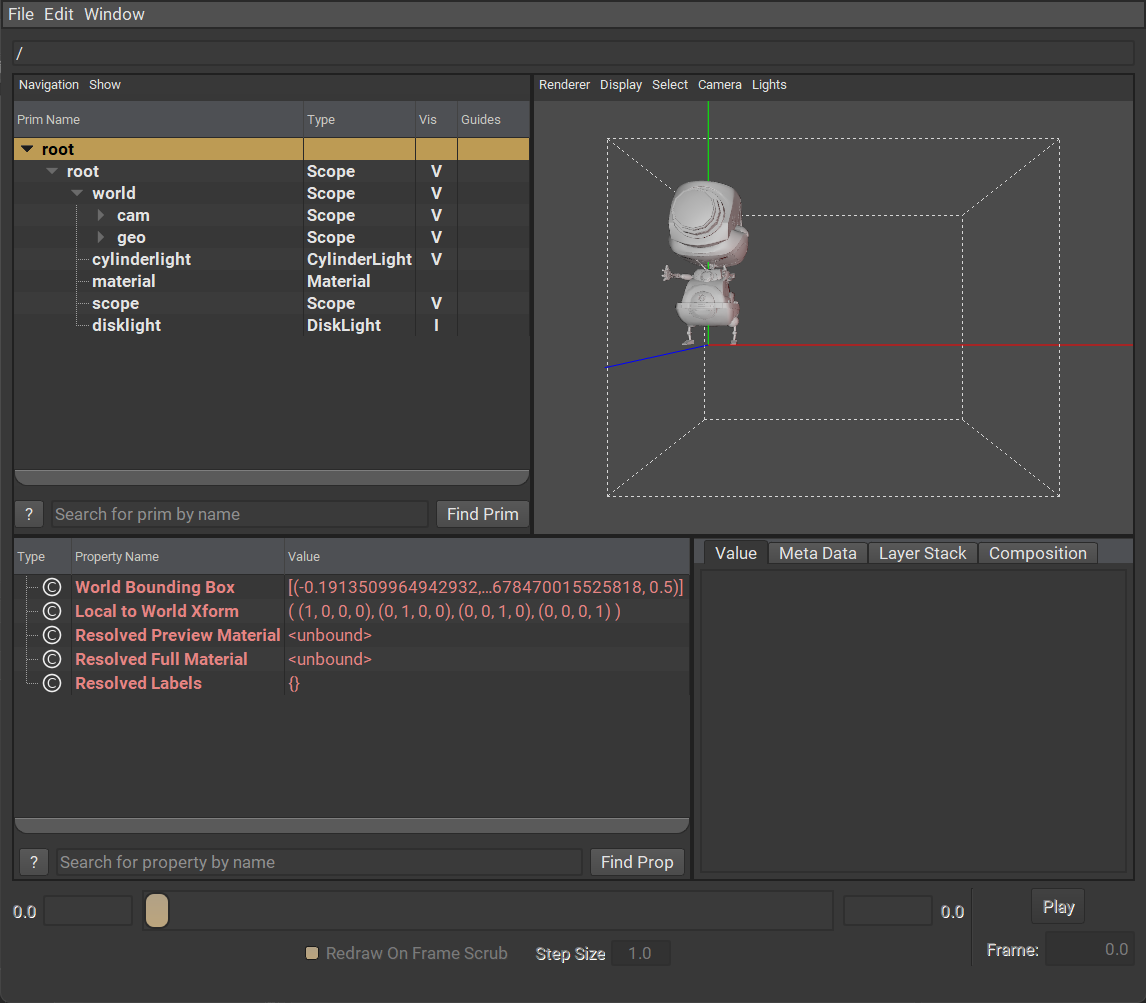
Both options will open usdview in a new window, with the same tools allowing you to search and inspect the prims.
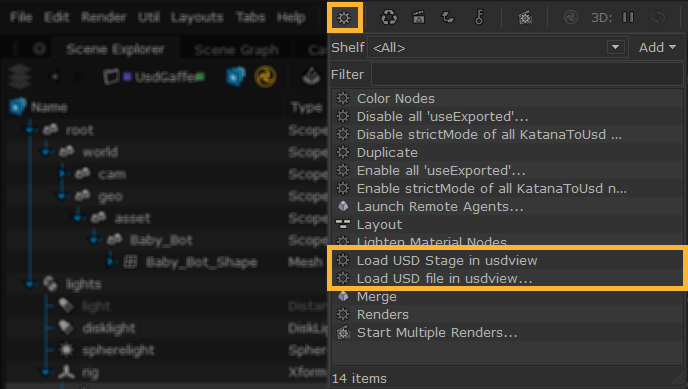
Load USD Stage in usdview - this opens your current USD stage in the usdview window.
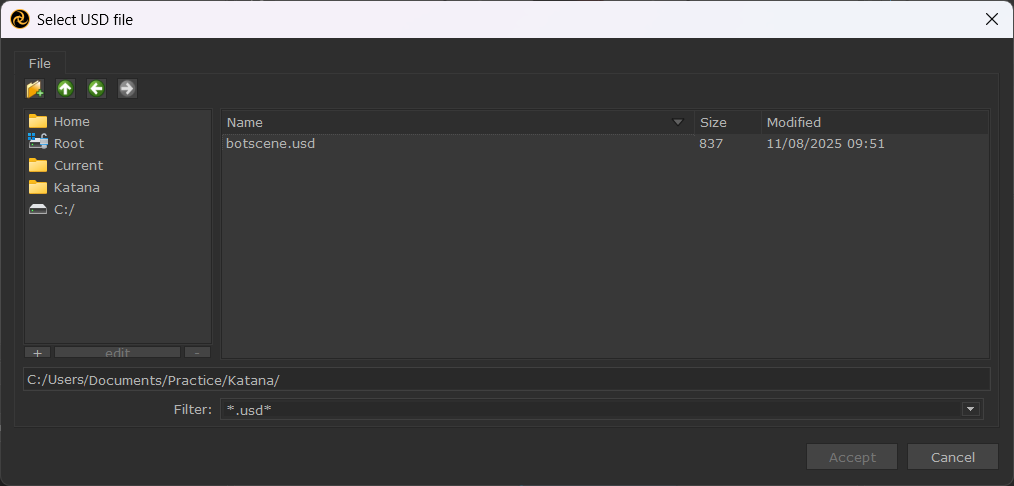
Load usd file in usdview… - this opens an external .usd / .usdc / .usda file from your computer in the usdview window.