Search Tips
Moving and Distorting Marquee Selections
To move or distort the selection, set the Mode to Transform.
|
To |
Do this: |
Example |
|
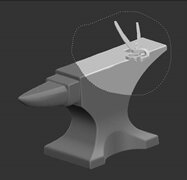
move the selection |
hold down Shift, click and drag |
|
|
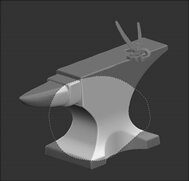
rotate the selection |
hold down Ctrl/Cmd, click on your desired point of rotation, and drag |
|
|
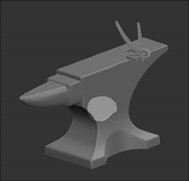
scale the selection up or down |
old down Shift+Ctrl/Cmd, click and drag |
|