 Search Tips
Rendering
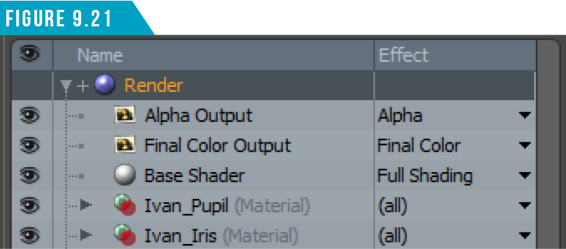
We’ll wrap up this section with a brief discussion about rendering. The Render Item can always be found at the top spot in the Shader Tree (Figure 9.21).
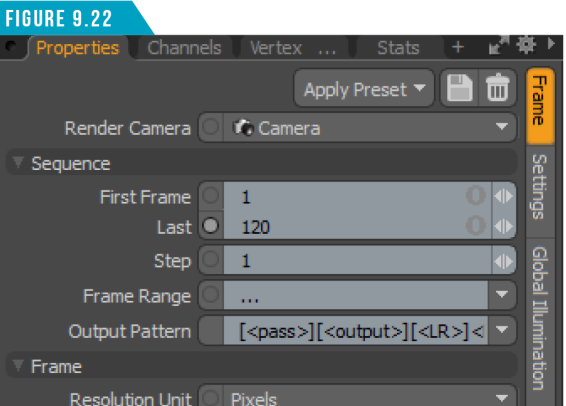
It contains the global scene render settings, and when selected, its various attributes become available in the Properties Viewport. The Render Properties are broken into three sub-tabs (vtabs) of related settings: Frame, Settings and Global Illumination (Figure 9.22).
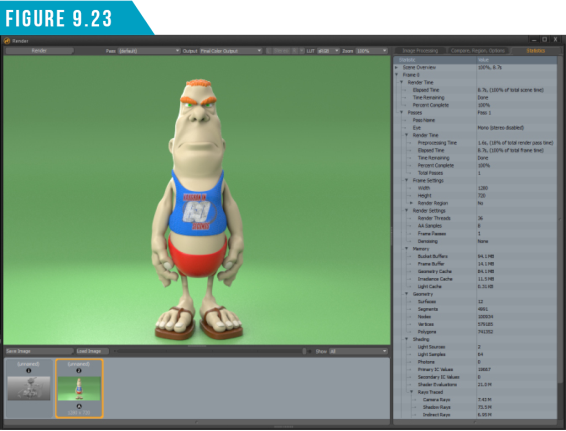
When you have all the settings to your liking, you can click the Render Button, or use the keyboard shortcut (F9) to open the Render Display Window (Figure 9.23) and start the rendering process.
|
||
|
Now that you have some lighting, texturing and rendering knowledge, put it to work on the Gidget and PepperJack scene. The first ten artists who fully texture, light and render the scene, share it online and send me a link to their work will receive a prize. I look forward to seeing what you create! |
