Search Tips
Search is based on keyword.
Ex: "Procedures"
Do not search with natural language
Ex: "How do I write a new procedure?"
Contact Support
About Anamorphic Media
The Viewer automatically recognizes anamorphic clips and displays them with the correct aspect ratio.
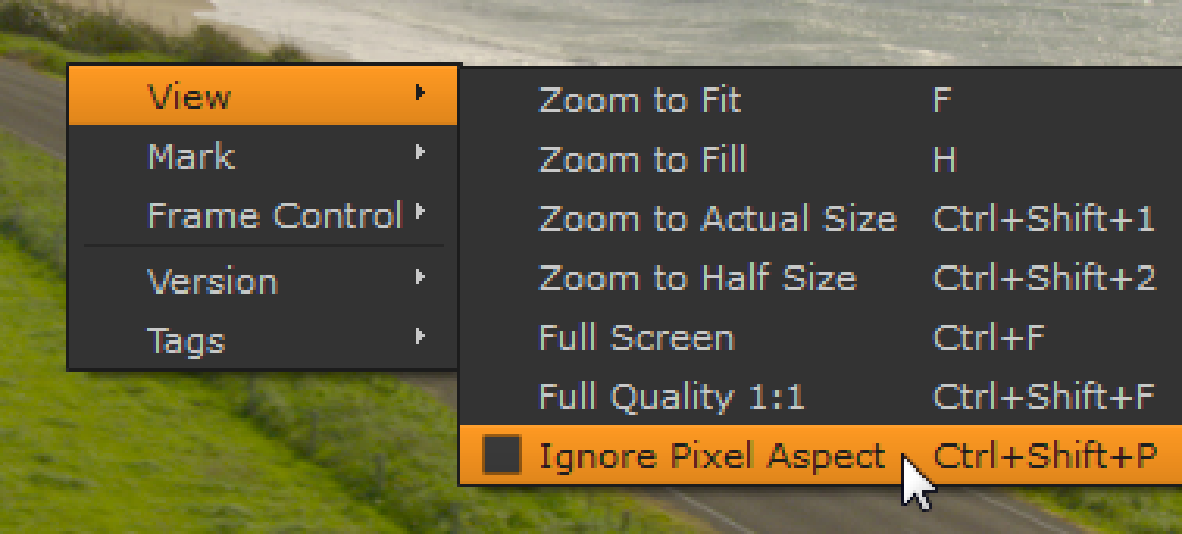
If for any reason you want to display an anamorphic clip with a 1:1 aspect ratio, right-click in the Viewer displaying the clip and enable the Ignore Pixel Aspect checkbox, or use the Ctrl/Cmd+Shift+P keyboard shortcut.