Search Tips
Rendering Gaussian Splats
Use the SplatRender node to render splats to 2D pixels, along with Depth and Deep output.
Note: See Importing Gaussian Splats and Manipulating Gaussian Splats to view earlier steps for working with splats.
Connect your splat to the scene input and add a Camera node to the SplatRender’s cam input to render from the camera.
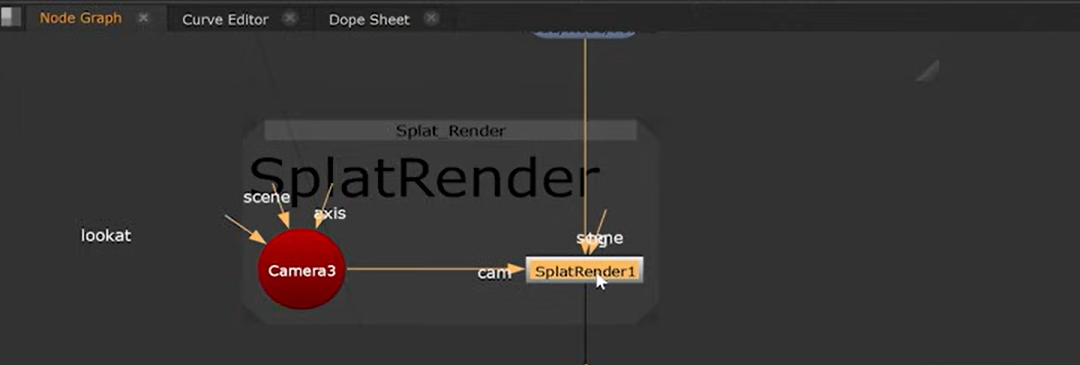
Inside the SplatRender node, you can adjust channel and colorspace output along with Motion Blur options. See the Reference Guide page to see all the controls - SplatRender.
Then change the Viewer to 2D to see the result.
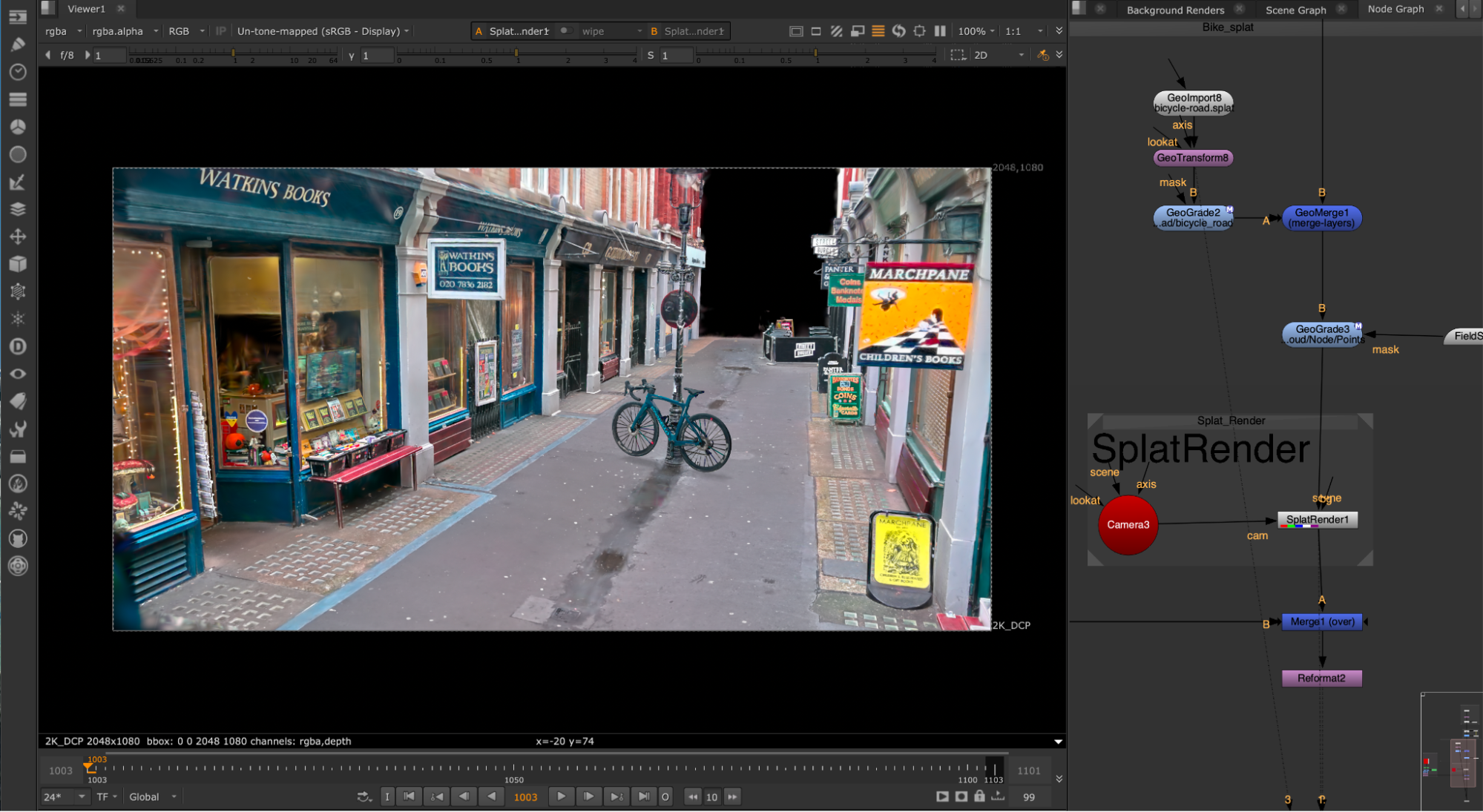
Once rendered, you can then easily use the splat in existing comp workflows, such as using the Depth or Deep channels to merge the splats with other elements in your shot.
For this, you could use a Read to add images and Merge them downstream of SplatRender. For example, you might want to add a 2D background or make other adjustments.