Featured
Tip: Katana Tips #0826 You can repeat the previous render by pressing Ctrl + \ (backslash), or choosing Render > Repeat Previous Render. See more at Performing a Render. (All Katana Tips)
User Guide
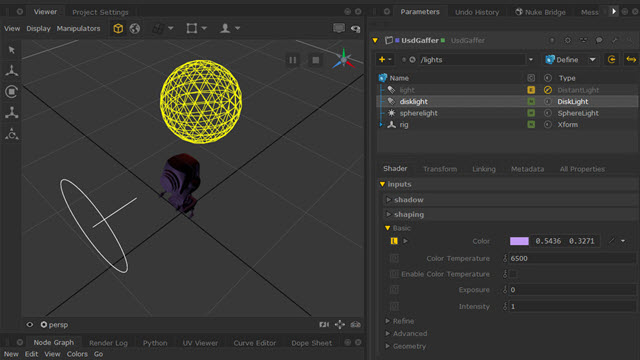
Learn how to use the UsdGaffer node to create multiple lights and store changes under one USD layer.
User Guide
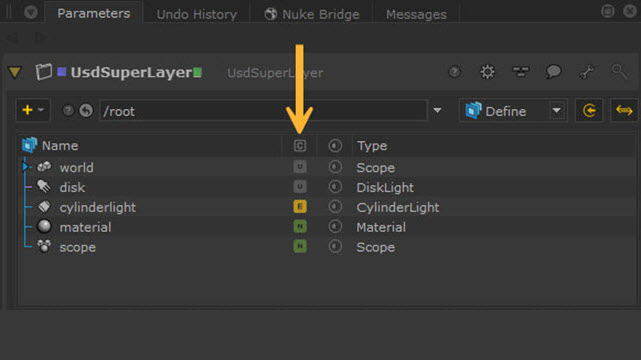
Read about the new UsdSuperLayer Framework. Discover how it works and how it can streamline USD workflows.
User Guide
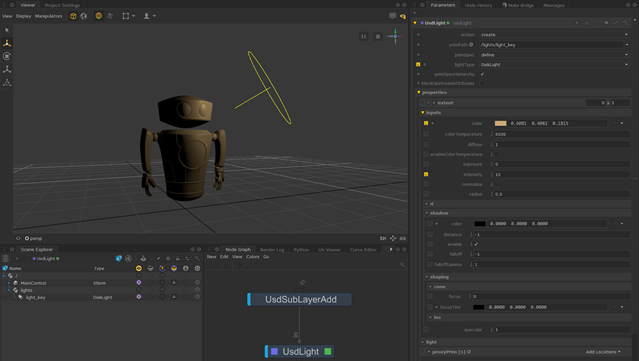
An overview of Katana's range of powerful new nodes for USD stage manipulation.
User Guide
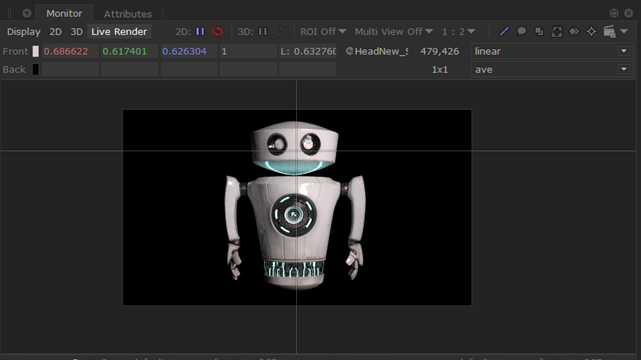
The Monitor tab includes various useful tools to view your renders inside Katana.
User Guide

The new Scene Explorer integrates the Katana Scene Graph and USD Scene Graph to let you work seamlessly with both.
User Guide
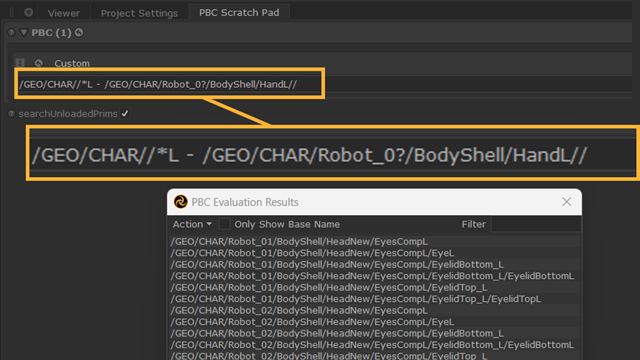
Pattern Based Collections with USD
Use Paths, Collections and Custom statements in your USD scenes.
Tutorials

Optimize Projects Using the Performance Tab
Find bottlenecks in your node graph at a glance with Performance heat maps and detailed profiling data.
Tutorials

Simultaneous Live Renders with Foresight+
Work on multiple shots with simultaneous Live Renders, allowing you to see every change you make across shots in a sequence, live, inside Katana.