 Search Tips
What's New in Flix 8.1
Flix 8.1 provides flexible workflows, deeper customization, and improved visibility across your productions.
Note: See the navigation bar on the left for links to specific release notes by version.
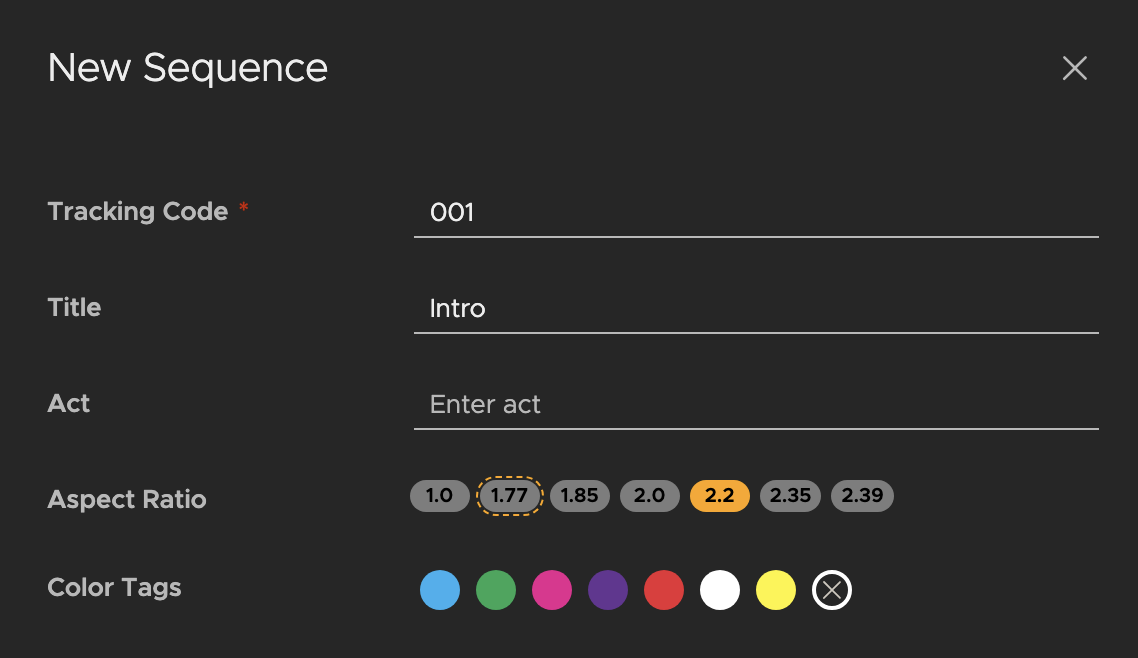
Mixed aspect ratio between shows and sequences
Flix now provides the option to select different aspect ratios for sequences within the same show — for planning more dynamic shows with aspect ratio changes between cuts.
Note: Read more at Creating a Show and Creating a Sequence.
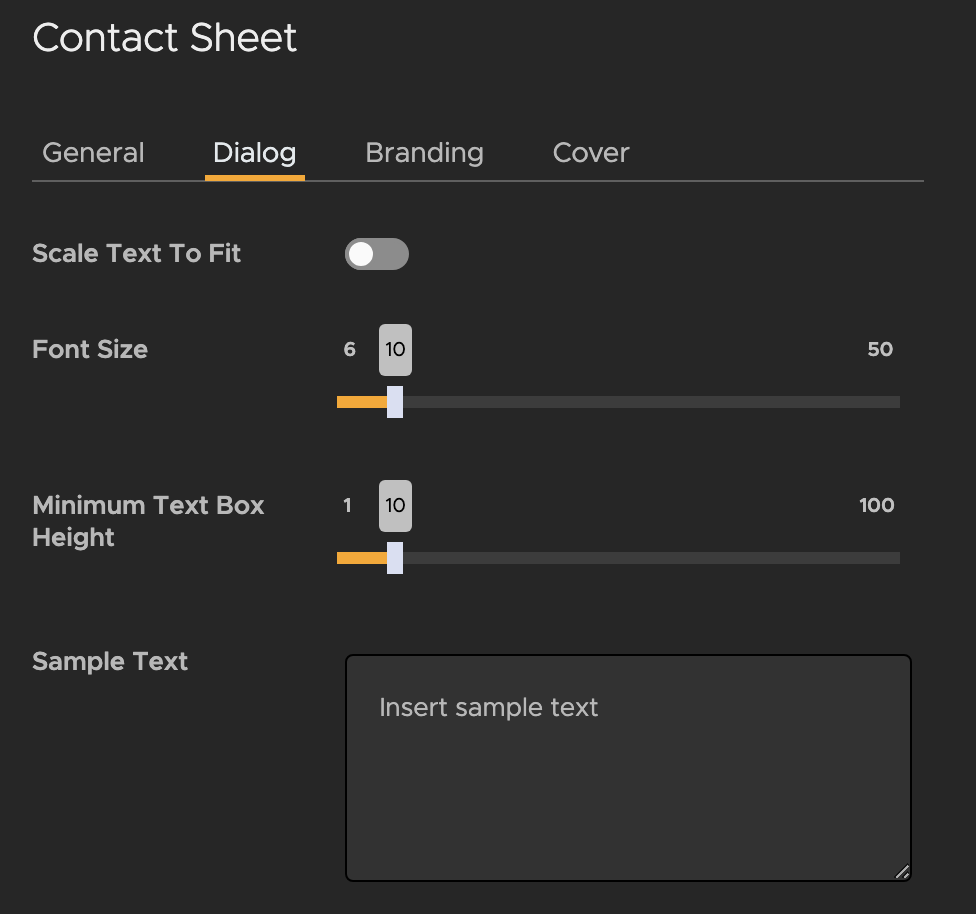
Contact sheet customization
See all Panel dialogue from the Contact Sheet. Use the new customization options, such as font size and dynamic text scaling, to specify how the text is displayed, ensuring all dialogue is visible.
Note: Read more at Creating a New Contact Sheet Template.
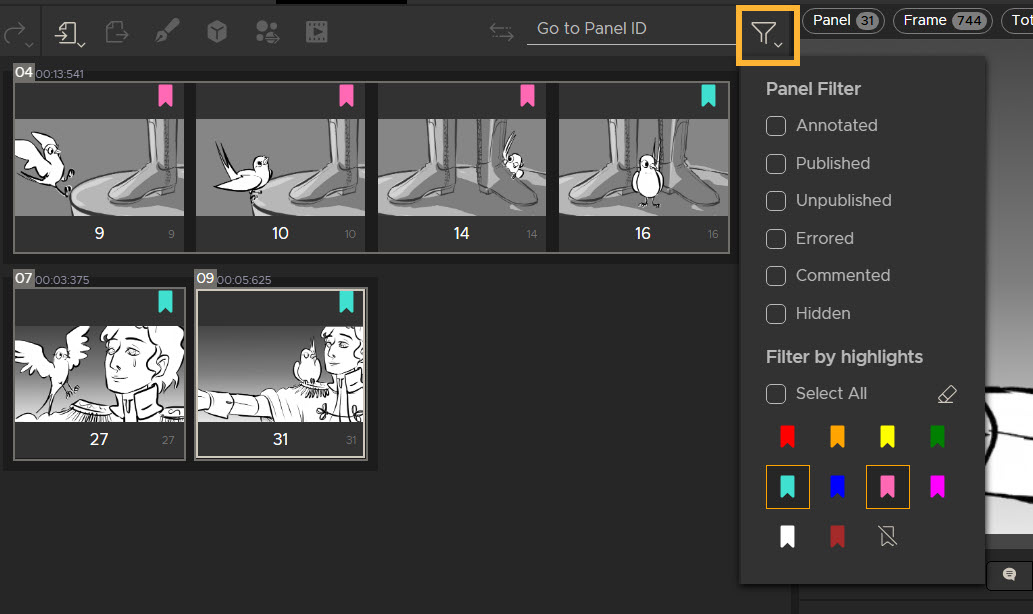
Panel highlighting
When filtering panels in your sequence revision by highlight color, you now have the option to select multiple highlights, for more control when using highlights to organize your panels.
Note: Read more at Filtering by Highlights.
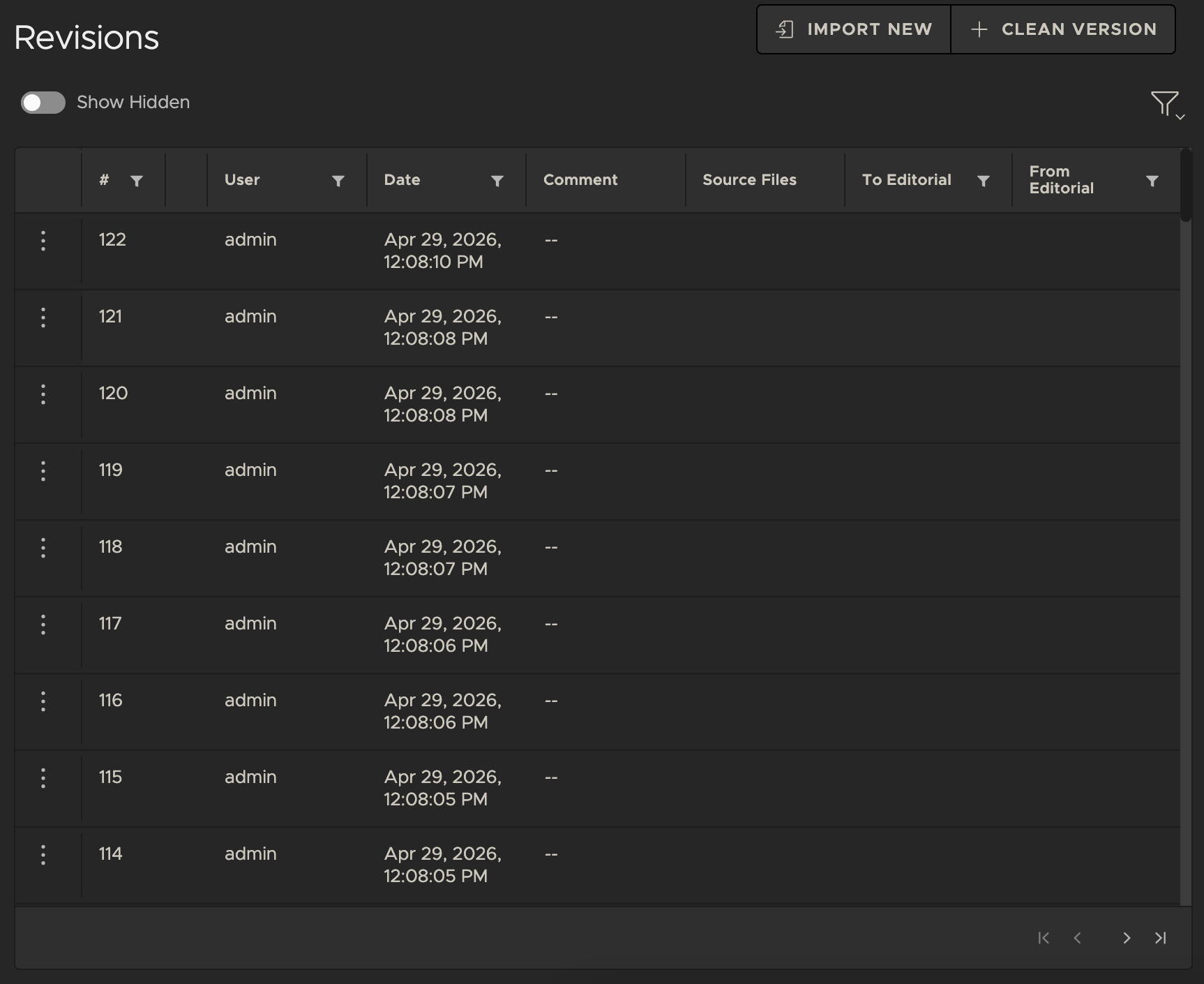
Sequence Revision performance
Speed up your Sequence Revision List loading times, even for large shows with thousands of revisions, with reduced unnecessary data retrieval and vastly improve loading efficiency.
Note: Read more about creating a new Sequence at Creating a Sequence.
Sentry support
Flix 8.1 enables pipeline teams and Foundry support to respond to issues more quickly and efficiently. Sentry integration securely logs and sends anonymized user interactions, errors, and telemetry data to the server.
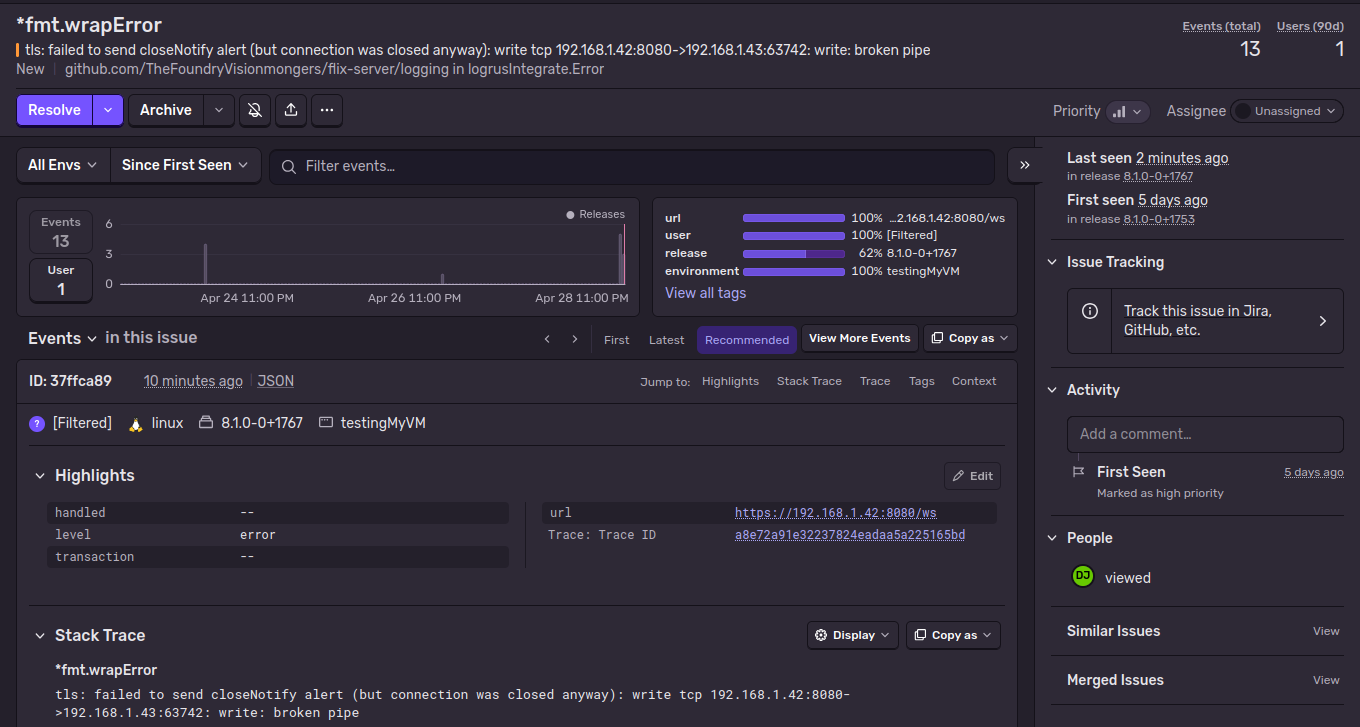
Note: Read more at Data Analytics.
API key management
Easily create and delete API keys - improving your developers' experience working with Flix APIs and customization.
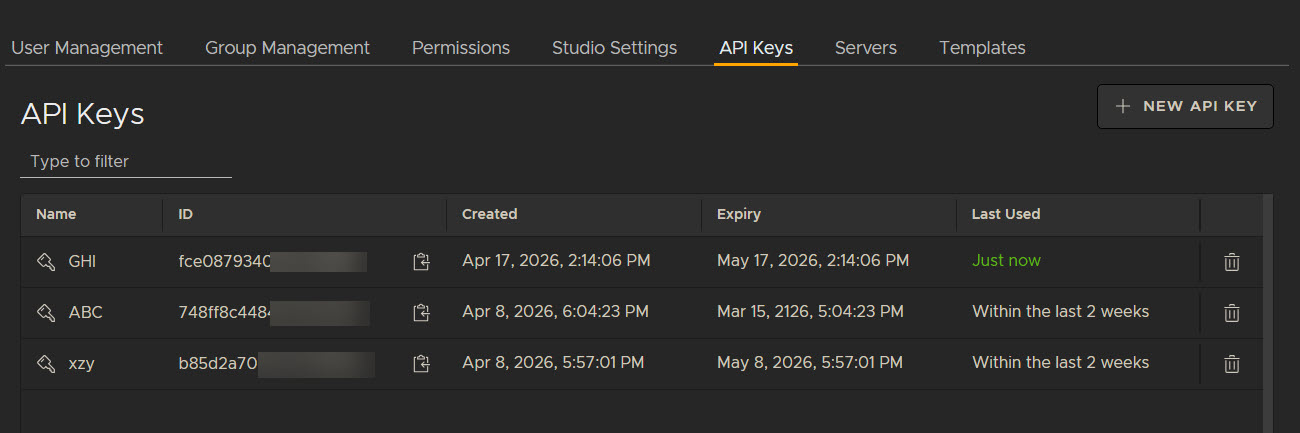
Note: Read more at Managing API Keys in Flix Client.
