Search Tips
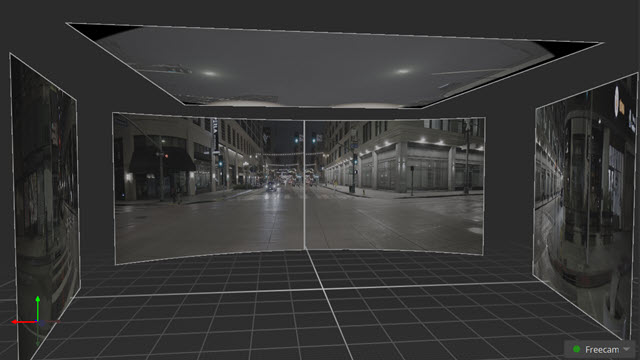
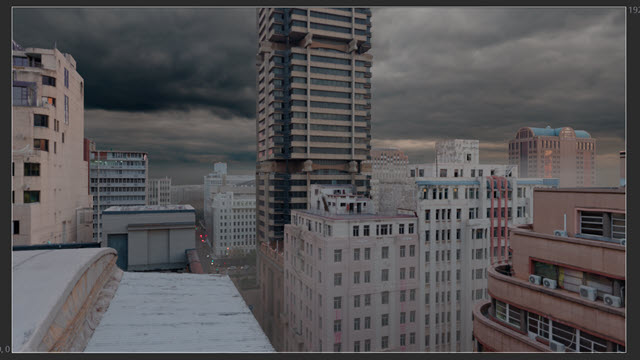
Nuke Stage example node graph rundowns
Nuke Stage uses nodes and node graphs for scene editing. You can download example node graphs at the Nuke Stage downloads page.
Working with Nodes
Nodes are like building blocks that you can create and connect in order to display and build up effects on a scene.
To start adding effects to your scene, you can start adding nodes within a node graph to start building up a script that enables you to manipulate an image.
Similarly to a layer workflow, you can build up nodes so that effects can work together.
To get more information about the Node Graph in Nuke Stage as well as full Node Graph controls, go to Node Graph.
Sample projects
Each sample project that can be downloaded from the Nuke Stage has a node graph with nodes in it. A good way to start getting familiar with nodes is through experimenting with these projects. They are ordered in node graph complexity to show the different use cases nodes have. All nodes found in Nuke Stage can be found at Nodes.
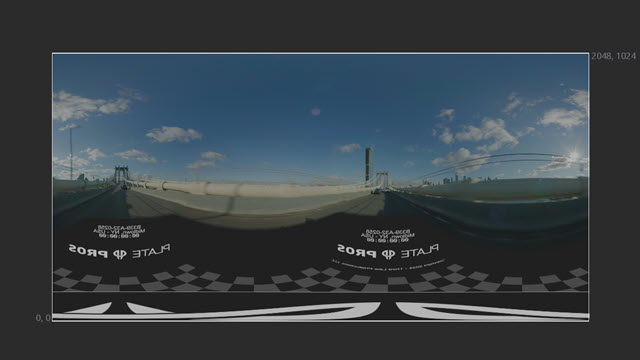
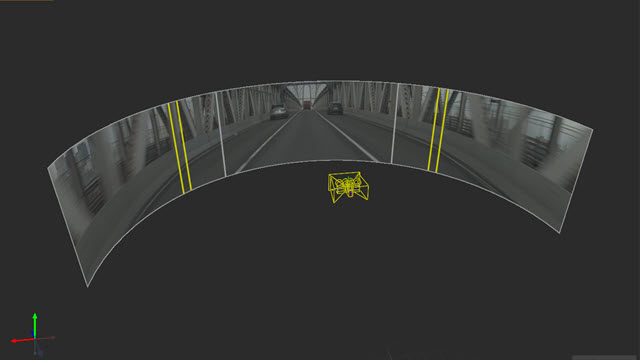
A node graph that uses Camera Override nodes to add images to the camera render.